> ## Documentation Index
> Fetch the complete documentation index at: https://docs.togai.com/llms.txt
> Use this file to discover all available pages before exploring further.
# Alerts
## Overview
You can create alerts in Togai to notify yourself or your customers when they meet a define threshold as per the configured alert value. An alert configuration in Togai has 2 parts
* Creating the alert - this is where you configure the alert itself
* Configuring the channel - you can add one or more communication channels for an alert
 ## Alert types
Few of the alert types supported by Togai are explained below. For list of all alert types supported by Togai, refer [here](/api-reference/alerts/introduction#alert-templates).
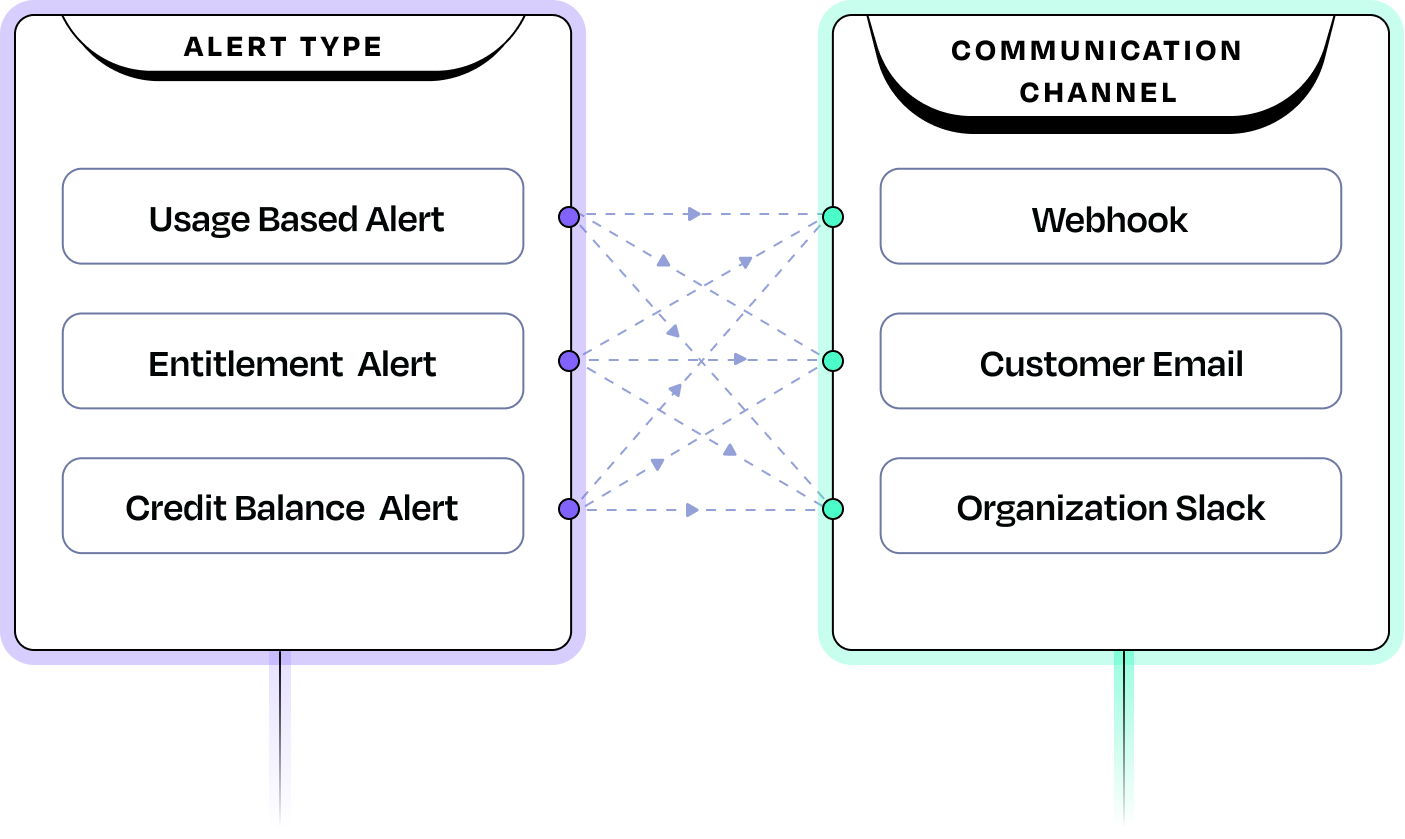
* Usage based alert - this is an alert that is triggered when the custome crossed a certain usage value defined in this alert configuration.
* Entitlement alert - this alert is triggered when customer's entitlement balance drops below the defined theshold
* Credit balance alert - this alert is triggered when the customer's credit balance drops below a specified low balance threshold.
* Unprocessed event alert - this alert is triggered to notify you when we receive an event that goes into [Unprocessed](/docs/event-ingestion#event-states) state
Alerts can also be chosen for different entities in Togai -
i) Organization level alerts are triggered to you when a threshold is met/crossed across all your customer accounts put together.
ii) Account level alerts are triggered specific to the threshold being met/crossed only for that specific account.
Togai also provides APIs to create alerts that your customers can use and configure monitoring thresholds in your product. This is extremely important for a usage based pricing model since customers would not want surprises at the end of the billing cycle.
Refer [Alerts API](/api-reference/alerts) for more information.
## Alert configurations
* **Time interval**: this allows you to set the frequency of checking if the alert condition has been met. The minimum interval is 30 minutes with increments of 30 minutes.
* **Validity**: You can also define a temporary alert that will check only for the duration of this validity period. If left empty, then the alert will be valid forever.
## Communication channels
You can configure multiple communication channels to a single alert. For example, if a customer crosses a usage threshold, you can intimate the same to both the customer via email as well as an internal slack channel for your accounts management team. Currently, Togai supports 3 channels - **Webhook, Email and Slack**
## Alert types
Few of the alert types supported by Togai are explained below. For list of all alert types supported by Togai, refer [here](/api-reference/alerts/introduction#alert-templates).
* Usage based alert - this is an alert that is triggered when the custome crossed a certain usage value defined in this alert configuration.
* Entitlement alert - this alert is triggered when customer's entitlement balance drops below the defined theshold
* Credit balance alert - this alert is triggered when the customer's credit balance drops below a specified low balance threshold.
* Unprocessed event alert - this alert is triggered to notify you when we receive an event that goes into [Unprocessed](/docs/event-ingestion#event-states) state
Alerts can also be chosen for different entities in Togai -
i) Organization level alerts are triggered to you when a threshold is met/crossed across all your customer accounts put together.
ii) Account level alerts are triggered specific to the threshold being met/crossed only for that specific account.
Togai also provides APIs to create alerts that your customers can use and configure monitoring thresholds in your product. This is extremely important for a usage based pricing model since customers would not want surprises at the end of the billing cycle.
Refer [Alerts API](/api-reference/alerts) for more information.
## Alert configurations
* **Time interval**: this allows you to set the frequency of checking if the alert condition has been met. The minimum interval is 30 minutes with increments of 30 minutes.
* **Validity**: You can also define a temporary alert that will check only for the duration of this validity period. If left empty, then the alert will be valid forever.
## Communication channels
You can configure multiple communication channels to a single alert. For example, if a customer crosses a usage threshold, you can intimate the same to both the customer via email as well as an internal slack channel for your accounts management team. Currently, Togai supports 3 channels - **Webhook, Email and Slack**